deskMonk finds the gigabytes you no longer need, locks your private files in an encrypted Vault and keeps you focused while you work. Six tools, one quiet app, and your files never leave your computer.
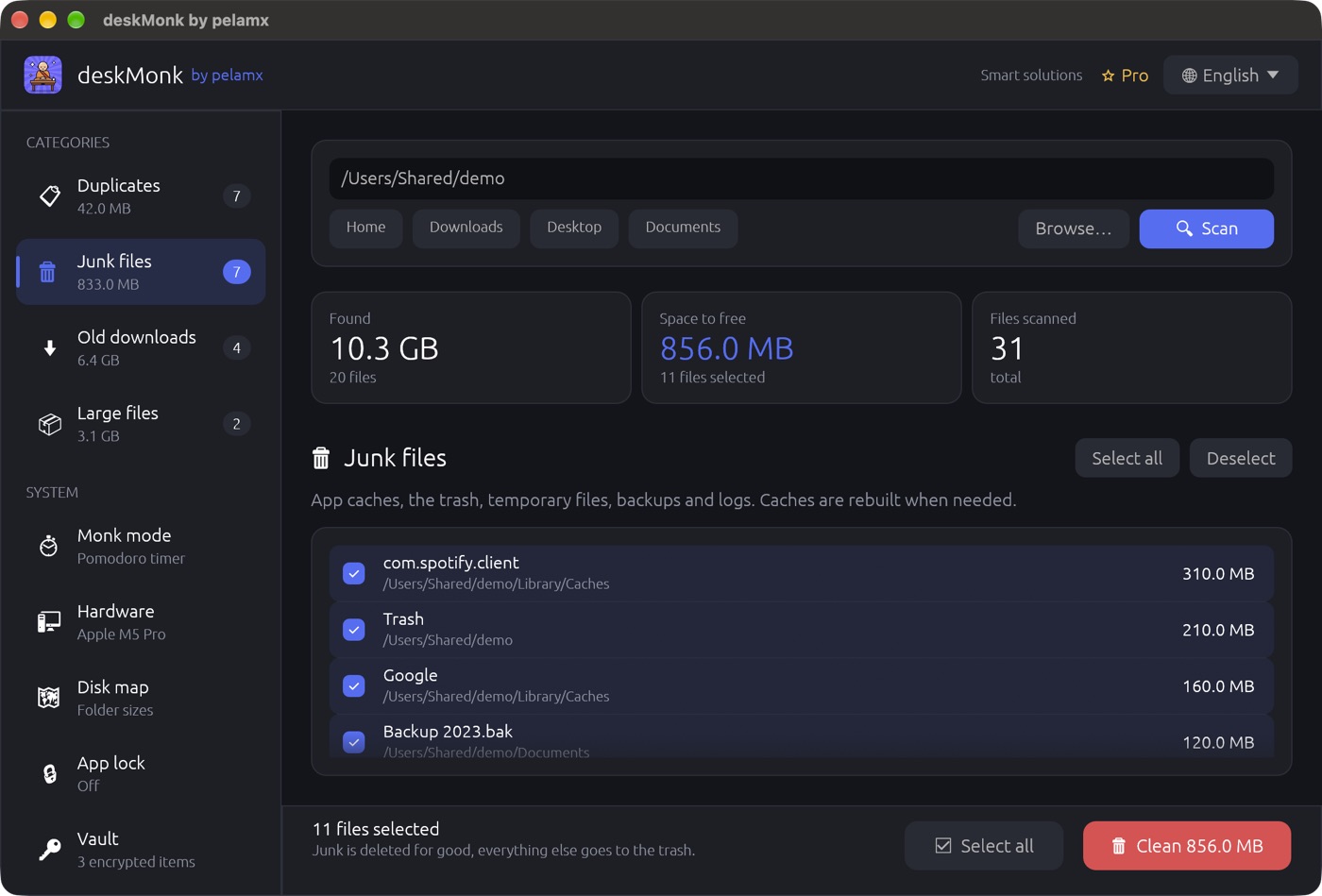

Instead of a cleaner, an encryption tool, a focus timer and a system profiler, you get one app that does all four, and does them without fuss.
Pick a folder or your whole home and press Scan. deskMonk sorts what it finds into four clear groups and shows how much space each one gives back, before anything is touched.
Free: clean up to 2 GB a day. Pro: unlimited.
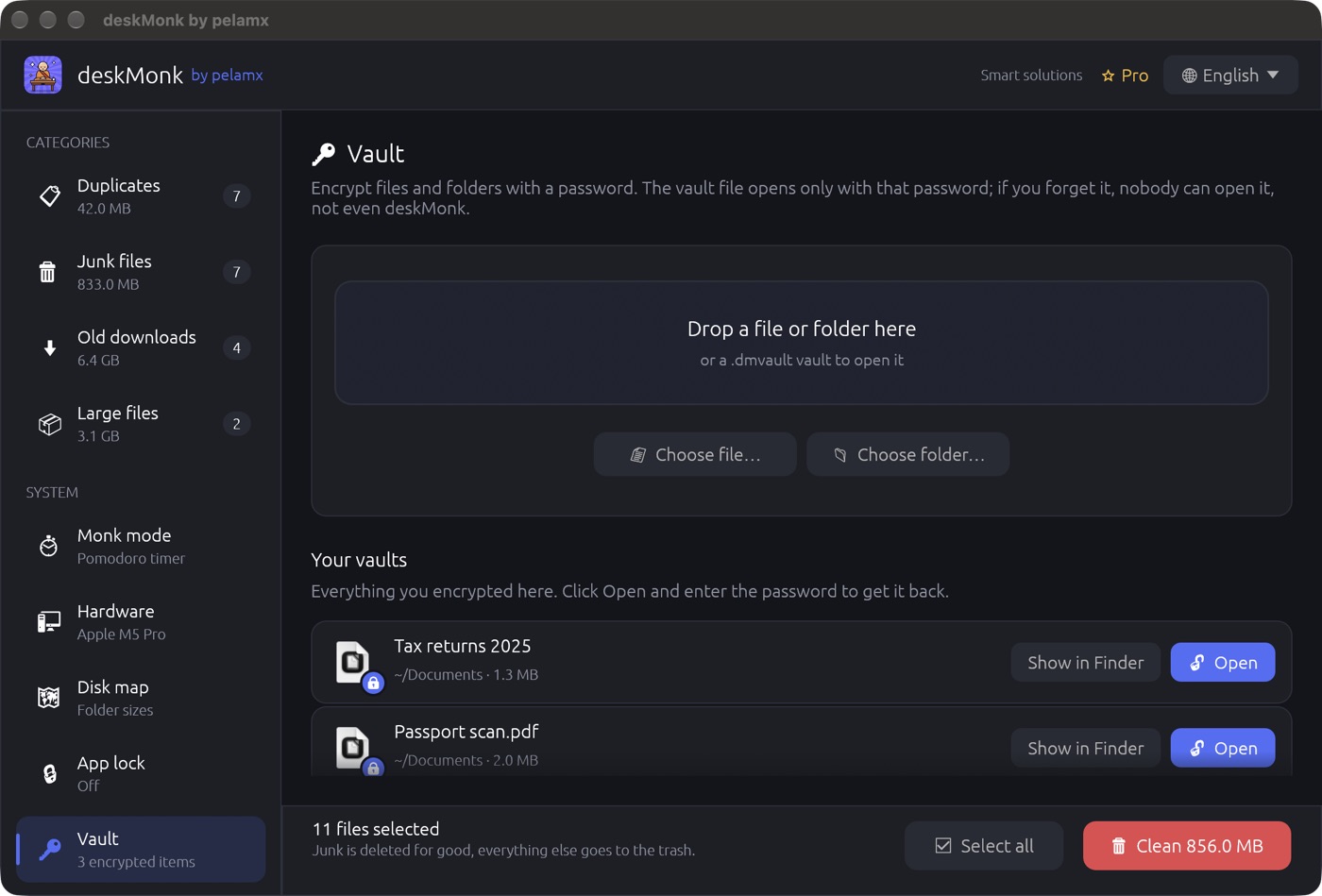
Drop a file or a whole folder, choose a password, done. Your tax returns, passport scans and contracts become a single encrypted .dmvault file that nobody can open without the password.
Free: 3 encryptions a day, up to 200 MB each. Pro: unlimited, any size.
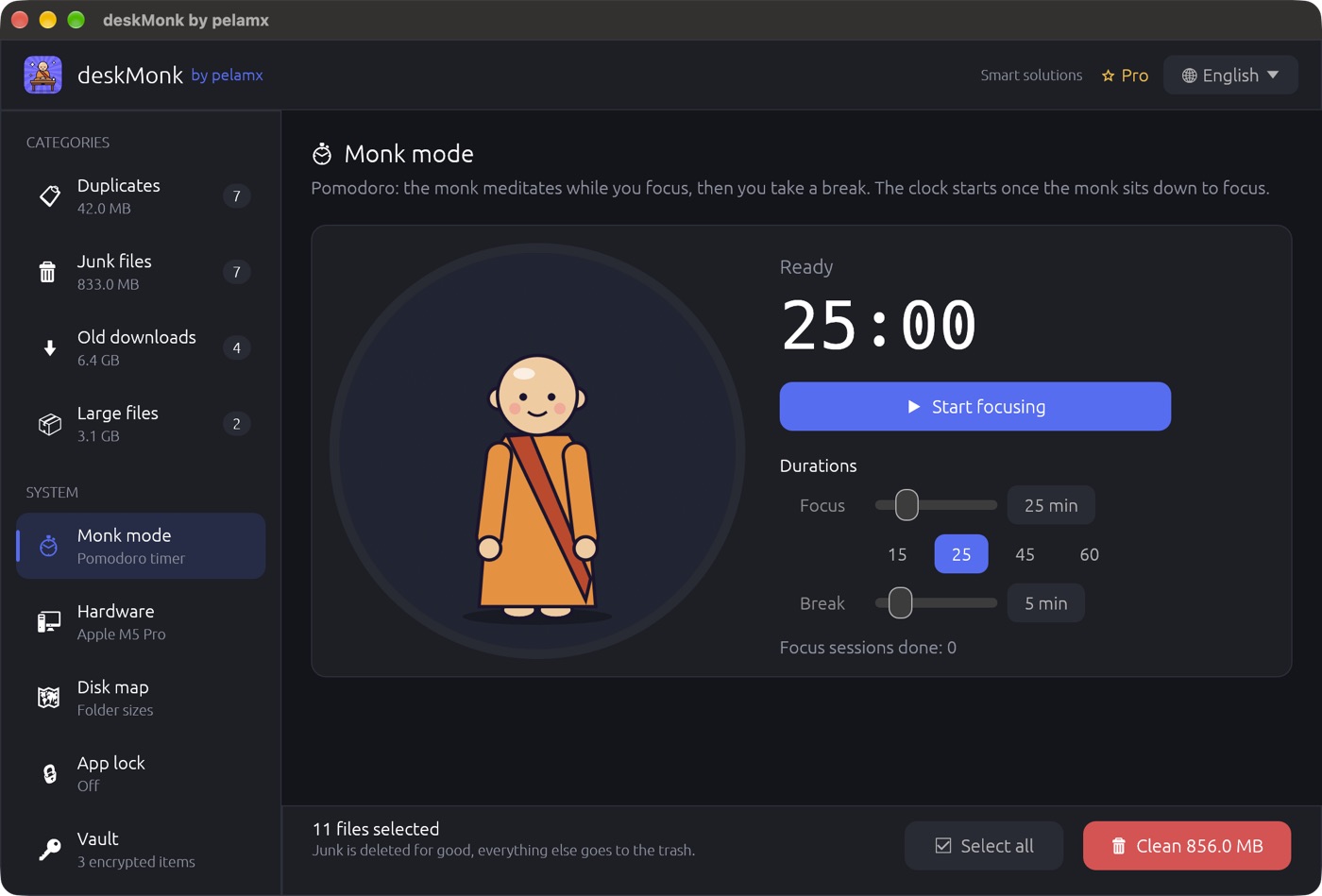
A pomodoro timer with a friend. Press Start and the monk sits down to meditate while you work for 25 minutes; when it's time for a break, he stands up and stretches, and so should you.
Free on every plan.
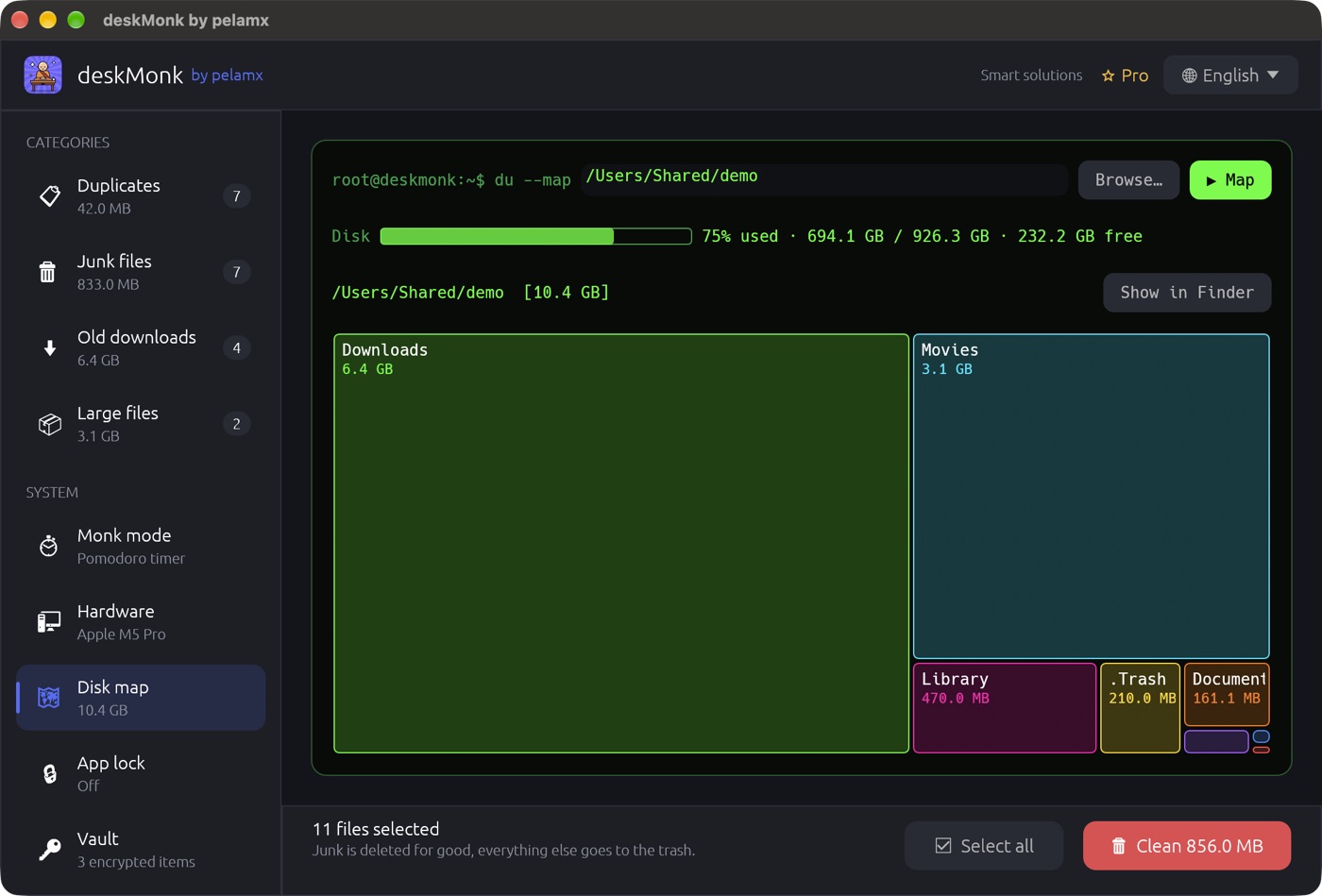
Every folder is drawn as a box sized by how much it holds. The biggest boxes are where your space went; click one to step inside, or open it in Finder or Explorer.
Free on every plan.
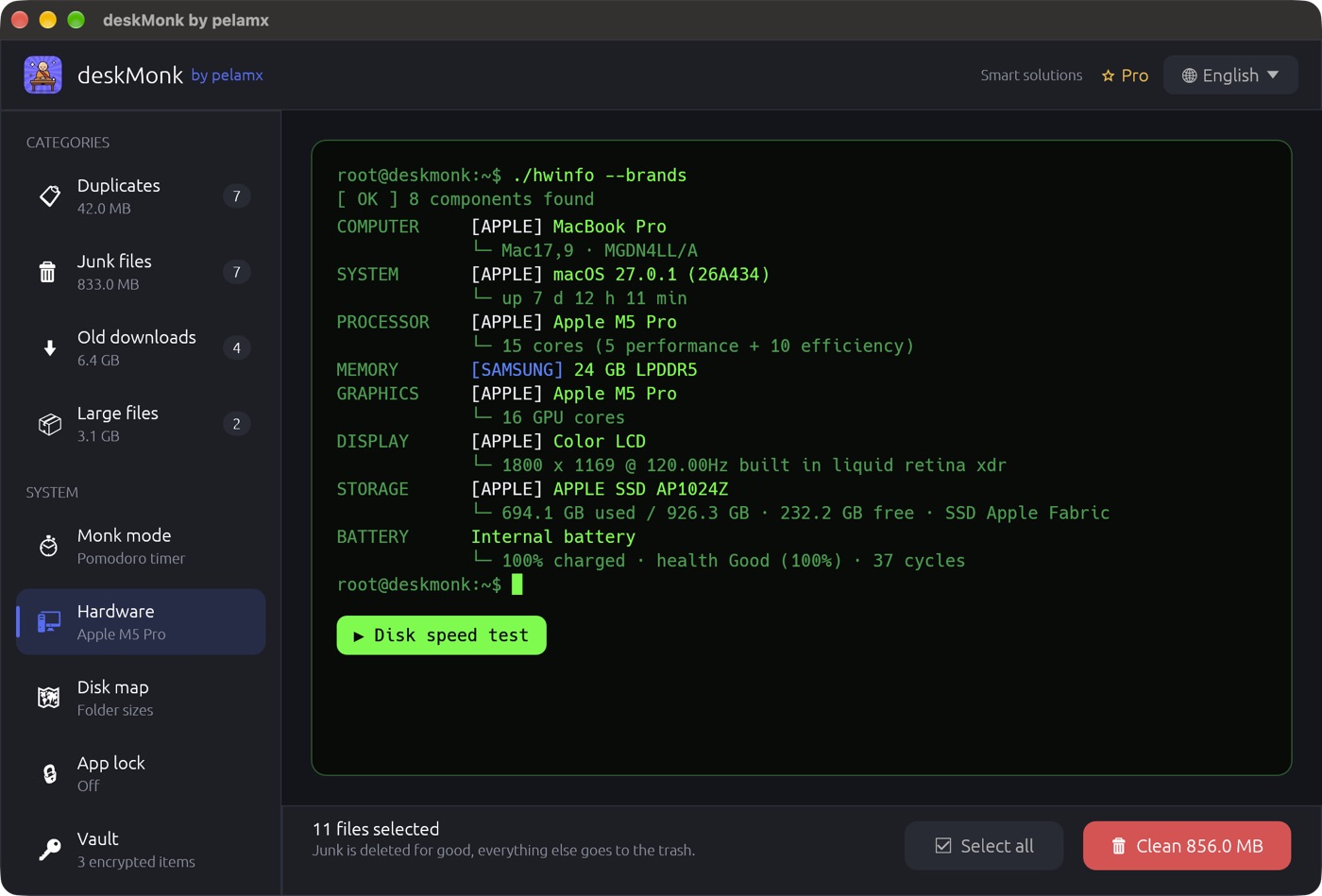
Processor, memory, graphics, display, storage and battery, each with its brand and model, on one screen. Handy when you sell a laptop, buy a used one, or a support desk asks what you have.
Free on every plan.
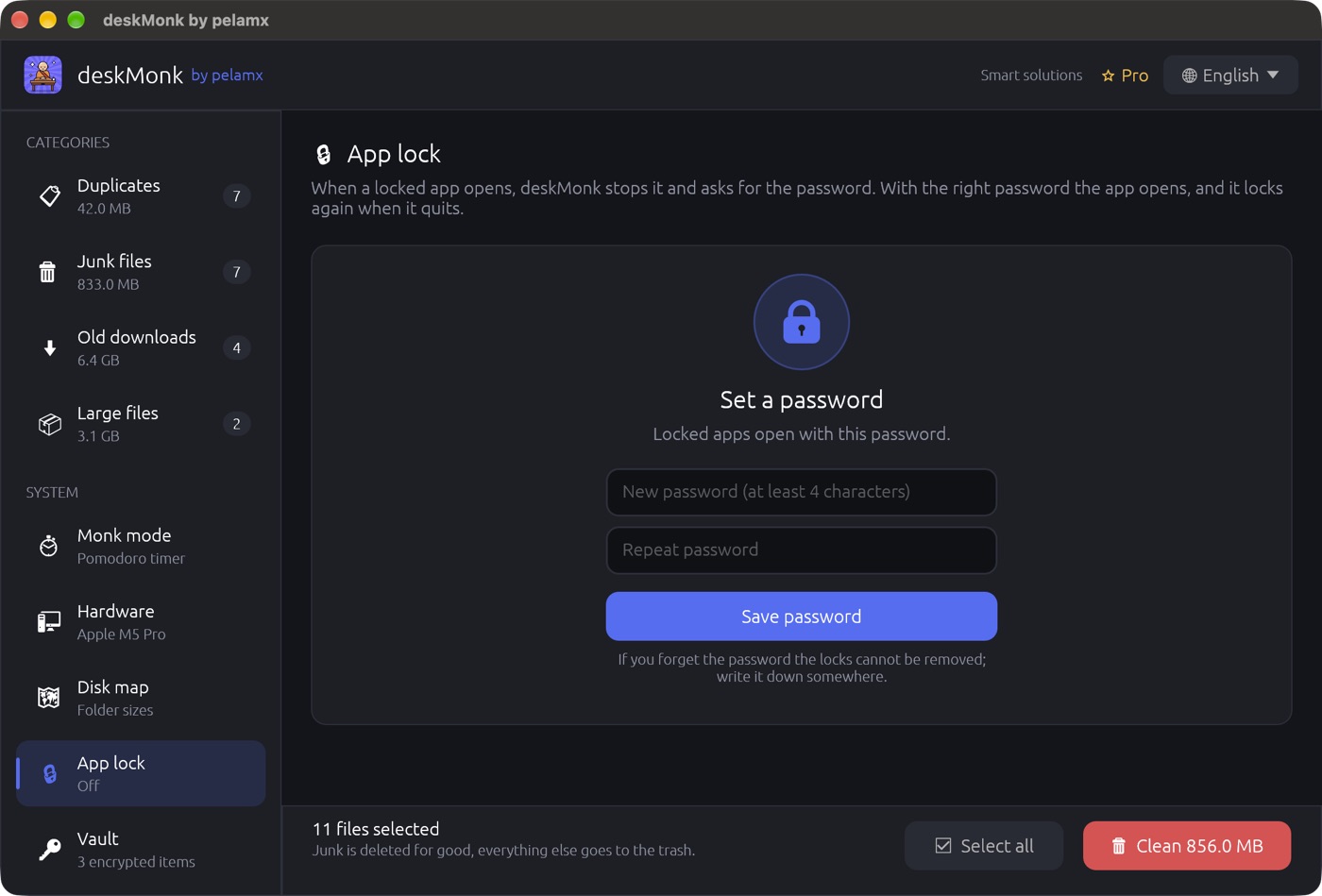
Choose apps like Messages, Photos or WhatsApp. When someone opens one, deskMonk stops it and asks for your password; with the right password the app opens, and it locks again when it quits.
Free: lock 1 app. Pro: lock as many as you like.
Scanning, cleaning and encryption run locally. No file, file name or password is ever sent anywhere.
Download and use it. Pro is a license key, not an account.
Anonymous counts (how much was found, which features are used), never contents. Off unless you allow it.
Every feature is in the free plan. Pro removes the daily limits, on up to 3 of your computers.
$25/ yearCancel anytimePrices in USD; Paddle shows your local currency and any tax before you pay.
Apple Silicon and Intel, macOS 10.13 or later. If macOS blocks the first launch, open System Settings → Privacy & Security → Open Anyway.
DownloadDMG · 15 MBWindows 10 and 11, 64-bit. Unzip and run. If SmartScreen warns about a new app, choose More info → Run anyway.
DownloadZIP · 8 MBAppImage and tar.gz for x86_64 and ARM, plus deskmonk-tui, a terminal version for servers without a desktop.
Nothing is deleted until you press Clean, and you see every file first. Everything except junk goes to the Trash, so you can put it back. Junk means caches, temporary files and logs that apps recreate on their own.
Then the vault can't be opened, not by you and not by us. That is what makes it safe. Write the password down somewhere safe.
Yes. No trial period, no card, no account. The free plan has every feature with small daily limits; most people never need more.
After buying you get a license key. Enter it in deskMonk under ⭐ Pro → "Have a license key?" on up to 3 computers. Bought from inside the app, that computer turns Pro by itself.
Cancel anytime from deskMonk (⭐ Pro → Manage subscription) or on your account page; you keep Pro until the end of the paid period. Within 14 days of paying you get a full refund, no questions asked.
Paddle, our merchant of record. It processes the card, handles tax for your country and sends your receipt. We never see your card details.
Free to download, two minutes to your first clean scan.
 deskMonk